Scaling Up HeatSync: From One PDF to an Entire Swim Meet
HeatSync v1 was simple. Upload a heat sheet PDF, enter your swimmer’s name, get calendar events. Done.
But swim meets don’t have one heat sheet. They have six. Eight. Sometimes more — one per session, spread across multiple days. Parents were uploading them one at a time, re-entering the same swimmer name, exporting events separately, and hoping they didn’t miss one.
That’s not good enough.
The Problem
A typical swim meet looks like this: Friday PM, Friday Eve, Saturday AM, Saturday PM, Sunday AM, Sunday Finals. Six PDFs minimum. Each one needs to be uploaded, processed against the same swimmer name, and exported to a calendar.
The v1 flow was tolerable for a single PDF. For six? It’s painful. For a parent juggling multiple kids across different meets? Forget it.
V2 needed to handle an entire meet in one shot.
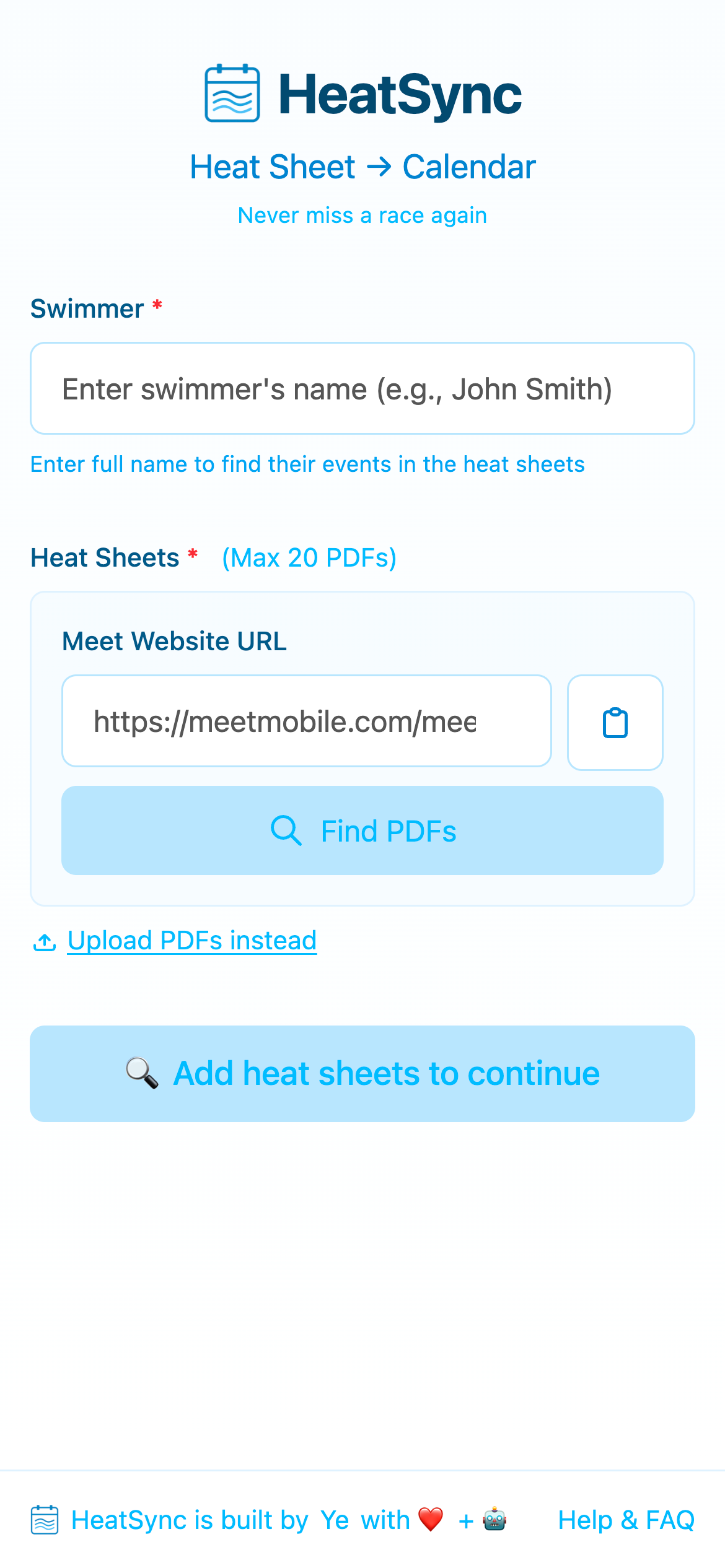
Along the way, HeatSync got its own identity — a logo featuring a calendar with water waves, capturing what the app does in a single glance.
What Changed
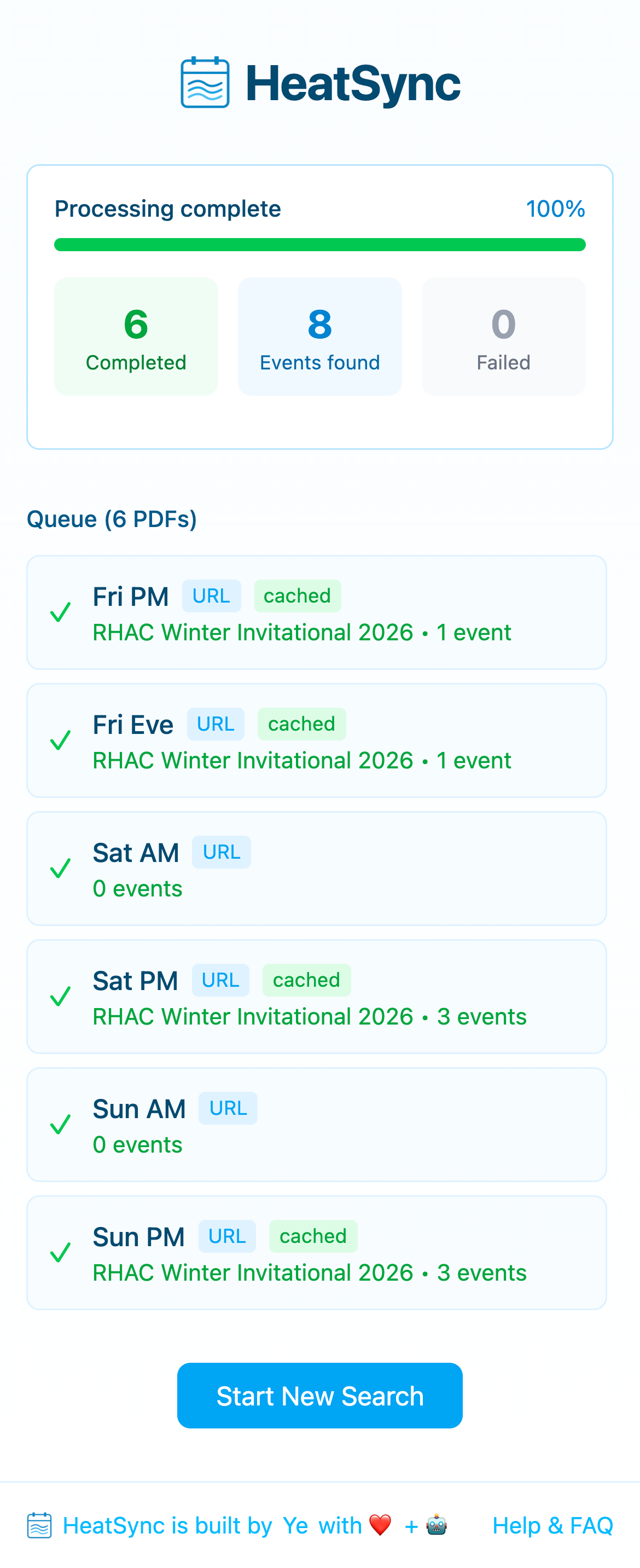
The core idea: queue up all your heat sheets, enter the swimmer name once, process everything in parallel, get one combined result.
But “process everything in parallel” hides a lot of complexity.
PDF Discovery
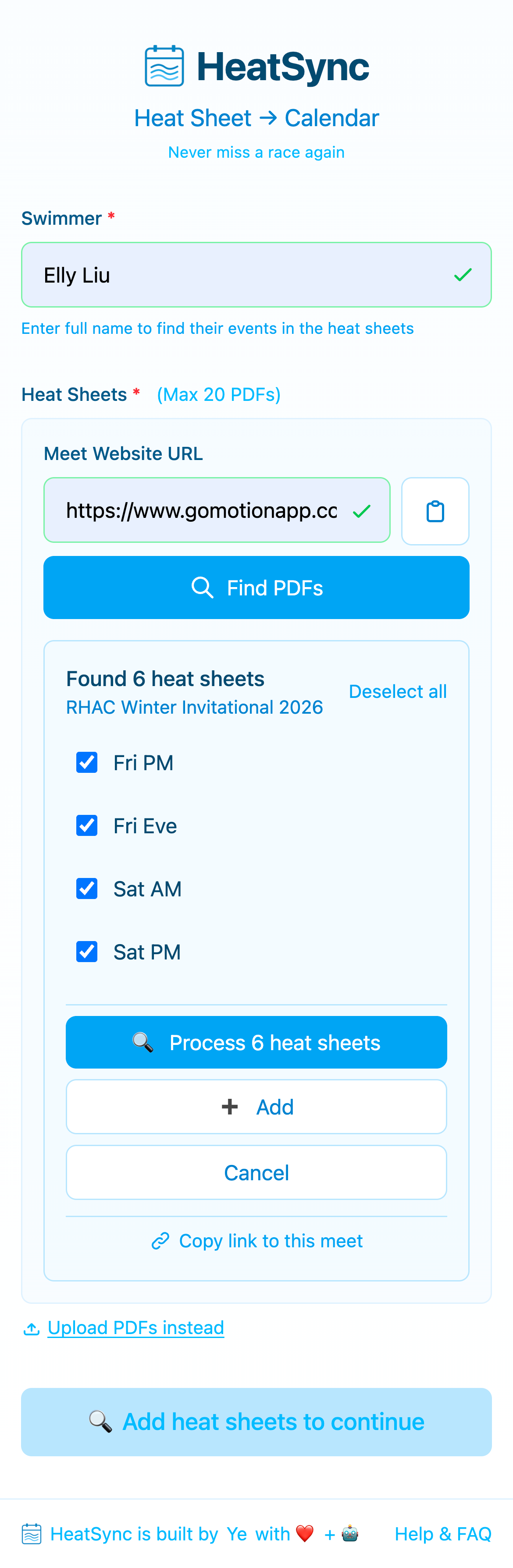
Most swim meet websites host their heat sheets as PDF links on a single page. Instead of making parents hunt for each PDF, download them, and upload them one by one — just paste the meet website URL.
HeatSync scrapes the page, extracts every PDF link, then uses AI to classify each one. Is it a heat sheet? A psych sheet? Meet info? Results from last year? The model reads the link text and surrounding context and makes the call.
This turns a 10-minute scavenger hunt into one click.
Three Layers of Caching
Here’s where it gets interesting.
When you process 6 PDFs in parallel, you quickly realize that the same data gets touched multiple times. Parents from the same team share links. Someone processes Saturday AM, then comes back an hour later for Sunday AM from the same meet page. Another parent processes the exact same set of PDFs for a different swimmer.
Without caching, every request re-downloads PDFs, re-uploads them to storage, and burns API calls classifying and extracting the same content over and over.
V2 has three layers of caching, each targeting a different stage of the pipeline:
Layer 1: PDF File Cache
Every PDF gets a content-based fingerprint (MD5 checksum) at ingest. That fingerprint becomes its identity — not the URL, not the filename, not the upload timestamp. The content itself.
When a PDF is needed, the system checks local disk first, then falls back to cloud storage, and only downloads from the original source as a last resort. Once fetched, it’s stored at both levels so subsequent requests are instant.
The tricky part is concurrent uploads. When multiple jobs process in parallel, two workers might try to store the same PDF simultaneously. We handle this with a database-level lock keyed on the content fingerprint — it serializes uploads for the same file without blocking unrelated work.
Layer 2: Extraction Result Cache
The most expensive operation is the actual extraction — sending a PDF to AI and asking it to find a specific swimmer’s events. This is slow and costs real money.
But the same PDF processed for the same swimmer always produces the same result. So we cache by the combination of PDF fingerprint and swimmer name.
When a parent from the same team processes the same heat sheet for a different swimmer, extraction still runs fresh — different swimmer, different events. But if they come back and reprocess the same PDF for the same kid (maybe they lost the link), it’s an instant cache hit.
Layer 3: Discovery Cache
AI classification is the expensive part of PDF discovery — both in latency and cost. But the classification of a set of PDF links rarely changes. Saturday AM heat sheets are Saturday AM heat sheets whether you check today or tomorrow.
The cache key is a fingerprint of the normalized PDF links found on the page — including link text and surrounding context, but ignoring unrelated dynamic elements like ads or navigation. This means the cache invalidates when the page actually changes (like when “Sat AM (Updated Feb 9)” replaces “Sat AM”) but stays valid through irrelevant page updates.
Cache hits skip AI entirely. A discovery that takes 3-5 seconds on first visit returns instantly on repeat visits.
All three layers track access timestamps for future cleanup — stale entries can be pruned without worrying about breaking active sessions.
Together, the three layers cover the full pipeline: don’t re-download files you already have, don’t re-extract results you already computed, and don’t re-classify links you already identified.
Job Processing
The batch processor uses Postgres as a job queue — no need for a separate message broker. Workers claim jobs using row-level locking that automatically skips rows already being processed by other workers. If a worker crashes, the uncompleted job stays in the queue and gets picked up on the next pass.
The processor runs in-process with a configurable concurrency limit. An event-driven wake/sleep loop avoids polling — new batches trigger processing immediately, and workers sleep when the queue is empty.
Progress streams to the frontend via Server-Sent Events, with a polling fallback for environments where SSE doesn’t work reliably.
Shareable Discovery Links
Once PDFs are discovered, parents can share the result with teammates. A short link encodes the meet URL — when another parent opens it, HeatSync auto-discovers the same PDFs (hitting the discovery cache) and pre-fills the queue. Enter your swimmer’s name and go.
This turns HeatSync from a solo tool into something a whole team can share.
The Result
What used to be: download 6 PDFs → upload one → enter name → export → repeat 5 more times.
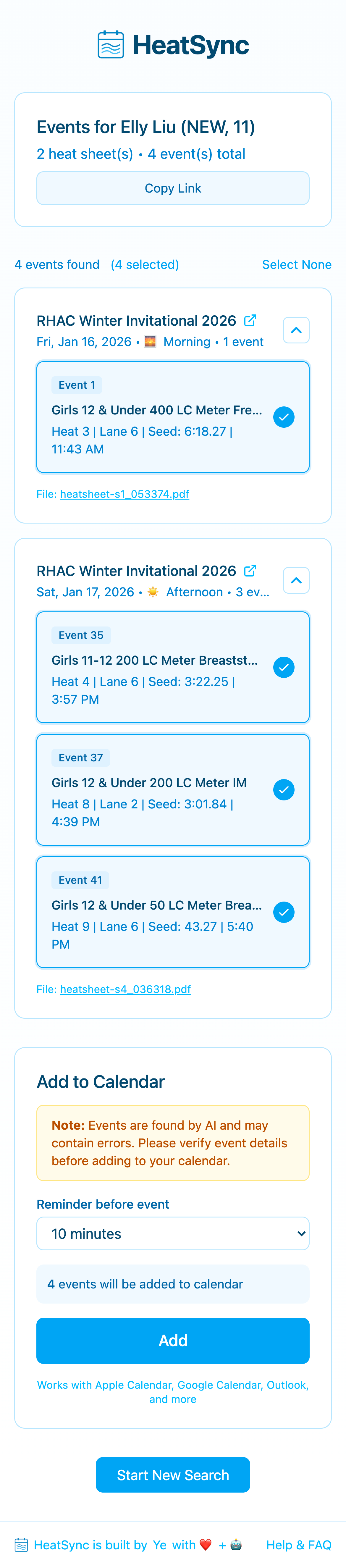
Now: paste meet URL → Find PDFs → enter name → process all → export everything.
One input. One click. All your swimmer’s events across an entire meet, ready for your calendar.
What’s Next
HeatSync v2 solves the problem I kept watching parents struggle with — the tedious, repetitive grind of assembling a schedule from scattered PDFs. The caching layers mean it actually gets faster the more people on a team use it, which is the kind of scaling behavior I love building toward.
There’s still more I want to do. Multi-swimmer support so parents with multiple kids don’t have to run the flow twice. Smarter deduplication when meets update their heat sheets mid-week. Maybe even push notifications when new sessions get posted.
But for now, it works. And it works well enough that I’ve stopped hearing “can you just send me the schedule?” in the team group chat.
HeatSync is a free tool that turns swim meet heat sheets into calendar events.